(apple.com)
If you thought iOS updates just meant new emojis and performance patches, wait until you dive into ios 26. Released globally on September 15, 2025, this version brings one of Apple’s boldest redesigns in years — meet Liquid Glass — along with features that blend smarts, style, and utility. In my experience, some of these tweaks are so subtle (but clever) you’ll wonder how you lived without them. Let’s explore the iOS 26 new features, plus a few that flew under most radar.
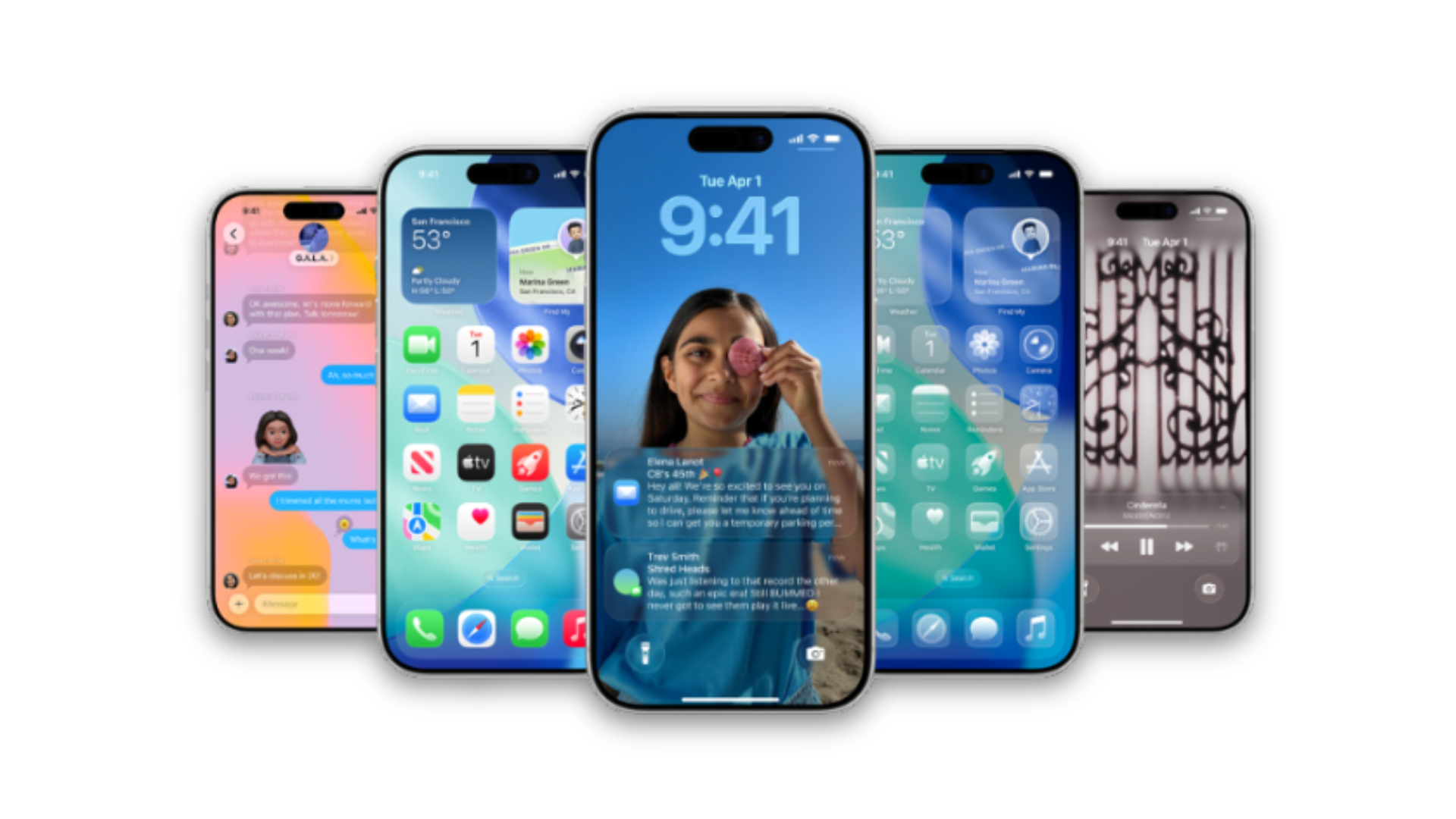
Liquid Glass: The New Visual Groundwork
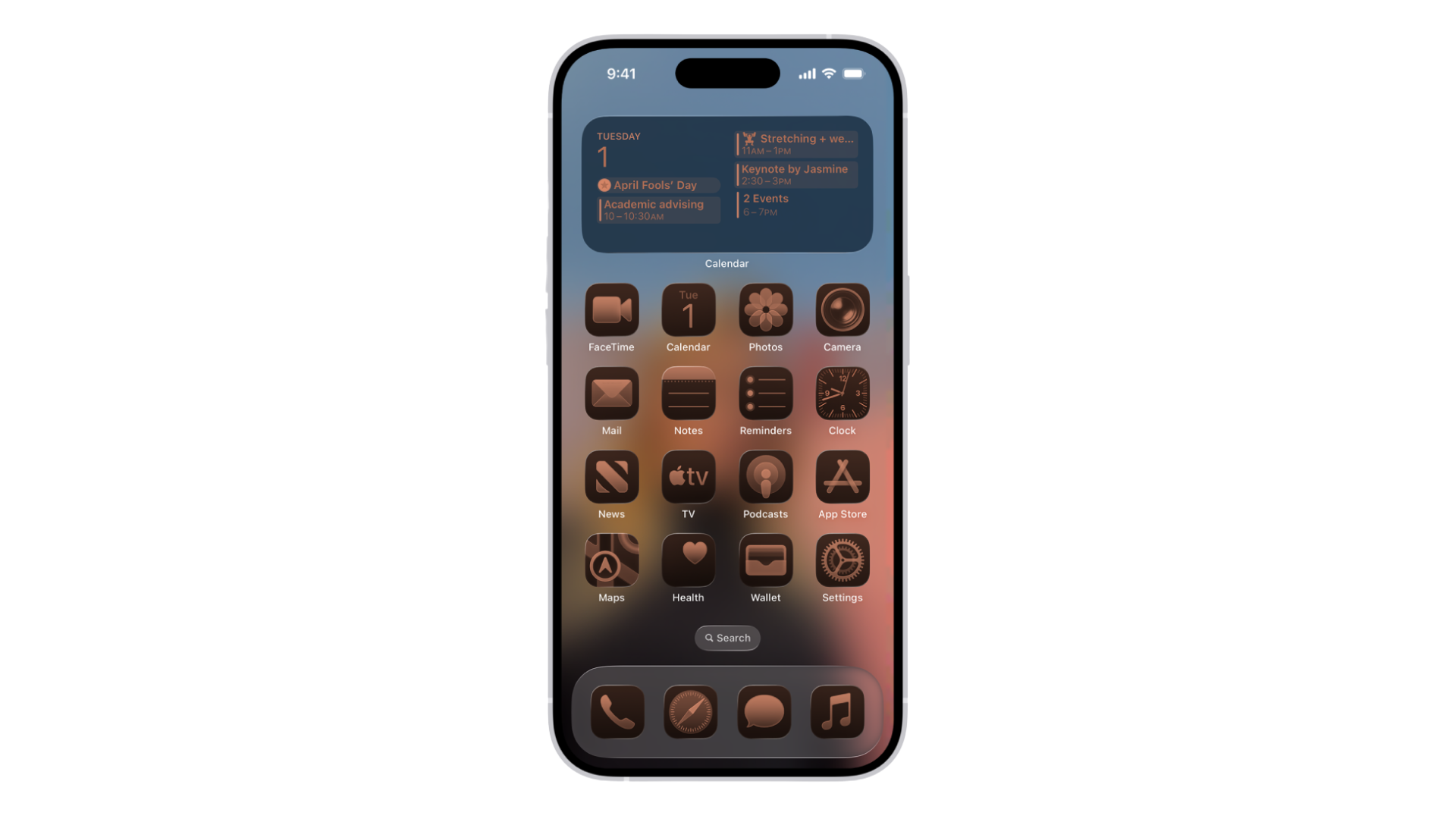
Apple introduced Liquid Glass, a design language across iOS, iPadOS, macOS, watchOS, and tvOS. Expect translucent buttons, glass-like menus, layered animations, dynamic lighting, and menus that let the background shine through.
Early betas had legibility issues, especially in Control Center, but recent tweaks have improved contrast and readability.
Smarter Calls, Messages & Translations
(apple.com)
- Call Screening: Unknown or spam calls can now be auto-screened, or you can opt for “Hold Assist” that waits until a live person answers.
- Live Translation: Real-time translations across calls, FaceTime, Messages, and even via AirPods. Makes chatting globally way smoother.
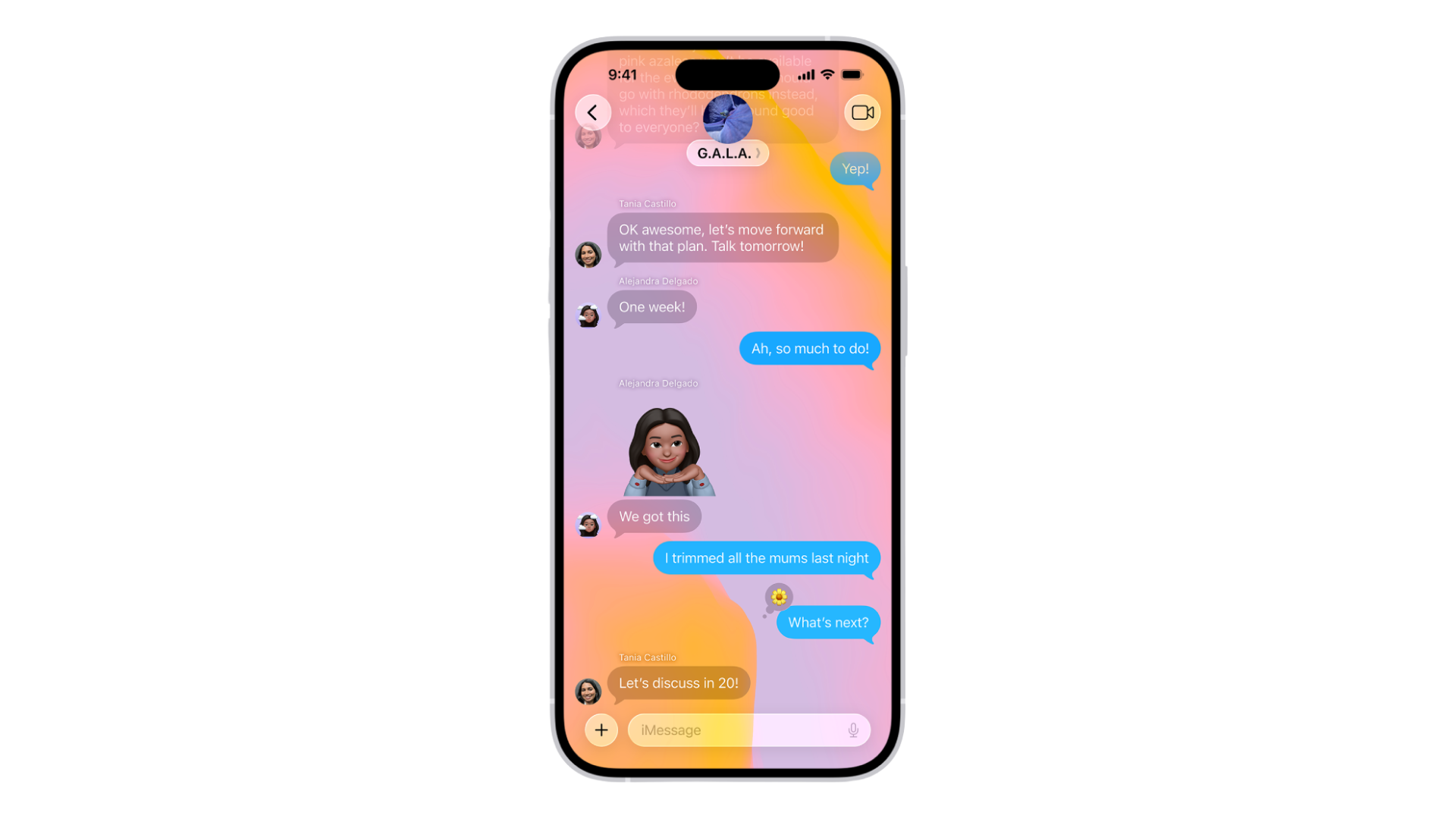
- Messages: New polls, custom conversation backgrounds, and more small touches with big impact for group chats.
Lock Screen & UI Tidbits That Surprise
(apple.com)
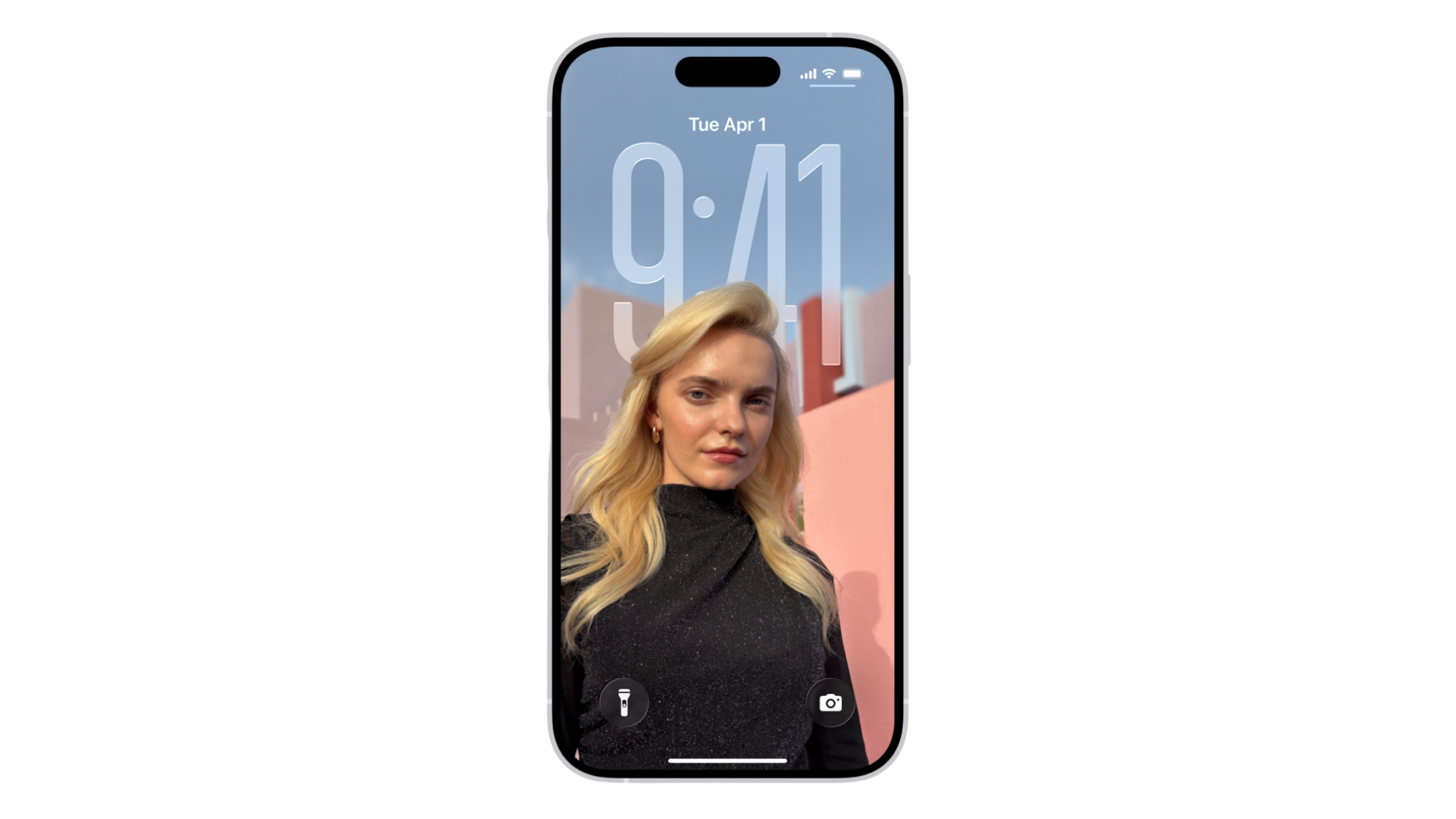
- The Lock Screen adapts dynamically — time position shifts depending on your wallpaper or photo so the subject stays visible.
- New 3D effects on wallpapers: subtle motion depending on how you tilt or move your device, adding depth without feeling gimmicky.
Device Support & Compatibility
- iOS 26 requires iPhone 11 or newer (and 2nd-gen SE) to run.
- Older models like iPhone XS, XR, XS Max are no longer supported.
- For those who can’t or don’t want to upgrade, Apple also released iOS 18.7.
Extras You Might Have Overlooked
- Preview app on iPhone: Edit PDFs and images, scan from within Preview, and export in multiple formats.
- AirPods updates: Features like studio-quality audio recording, Camera Remote (squeeze stem to snap a photo), automatic switching with CarPlay, and smarter battery alerts.
- Journaling upgrades: Multiple journals, drawings inline with text, and mapping journal entries so you can see where you were when you wrote them.
Using iOS 26 for Travel
Here’s a little test I did: I flew from Islamabad to Dubai. On iOS 26, I used Live Translation to reply to messages in Arabic via Messages, held off spam calls automatically during layovers, used CarPlay with Live Activities to track flight gate changes, and got weather alerts for my destination through the Smart Stack widget. The Liquid Glass UI looked especially striking on the airplane tray-tablet setting because the glass-transparency handled reflections better after the beta adjustment. On the flip side, battery took a hit in the first day — as always with upgrades — but stabilized quickly.
What Time & Date Did iOS 26 Release?
(apple.com)
- Official release date: September 15, 2025.
- Release time: Apple typically rolls updates out around 10:00 AM Pacific Time, which is mid-day or evening depending on your location.
- How to get it: Go to Settings → General → Software Update.
Things to Keep in Mind
- The visual overhaul is gorgeous, but there’s a learning curve. If you rely heavily on dark mode or need ultra-high contrast, keep an eye out for minor readability glitches.
- Older devices that barely made the support cut may feel sluggish with new effects; performance should improve after a few incremental updates.
- Make sure you have storage space and backup ready before upgrading — the update is hefty in size.
ios26 isn’t just another incremental update. The Liquid Glass design alone makes it visually distinct, and the behind-the-scenes improvements — call screening, Live Translation, journal mapping, stronger privacy — give you solid reasons to upgrade. That said, if you’re on an older model, or very sensitive to UI changes, maybe give it a few weeks for bugs to settle.
If you found this deep dive useful, hit subscribe (or follow) for the latest iOS tips, hidden tricks, and post-update hacks. You won’t want to miss what’s coming in iOS 26.1.
FAQs
1. What is iOS 26 release date and what time will it come out?
Apple launched iOS 26 on September 15, 2025, with rollout beginning around 10:00 AM Pacific Time.
2. Which iPhones support iOS 26, and which don’t?
iPhones from iPhone 11 and newer (including 2nd-gen SE) are compatible. Devices like iPhone XS, XR, and XS Max are not supported.
3. What is Liquid Glass in iOS 26 and why does it matter?
Liquid Glass is the new design style Apple introduced in iOS 26 — translucency, fluid animations, layered UI, and menus that let backgrounds subtly show through.
4. Are there any iOS 26 new features that are easy to miss?
Yes — features like Preview on iPhone for PDF editing, Journal mapping, new AirPods gestures, and Call Screening/Hold Assist may slip under the radar.
5. Should I upgrade immediately or wait with iOS 26?
If you have a supported device, want the new design, and value the enhancements, upgrading is worth it. On the flip side, if stability is your top priority, waiting a week or two for bug fixes is a safe bet.